Recommended ways to use GROWI.cloud

We will explain the recommended usage of GROWI.cloud, an in-house wiki knowledge base management tool for system engineers and SEs.
It is also the preferred replacement and migration tool for Pukiwiki, Crowi, and MDwiki-DokuWiki.
Creating and sharing system design documents such as UML, table design diagrams, and specifications

Creating and sharing system design documents such as UML, table design diagrams, and specifications
GROWI.cloud is an internal wiki and knowledge base tool that allows you to embed spreadsheets and create diagrams (draw.io) all in one tool.
Therefore, system engineers and SEs can use just one GROWI.cloud tool to create and share UML, table design diagrams, specifications, and more, without having to use multiple tools.
All of this can be done with just one GROWI.cloud.
Furthermore, it allows for flexible customization, such as integration with self-made APIs and CSS customization.
;}%3c/style%3e%3clinearGradient%20id='a'%20x1='0.052'%20x2='0.927'%20y2='1'%20gradientUnits='objectBoundingBox'%3e%3cstop%20offset='0'%20stop-color='%2311c5dd'/%3e%3cstop%20offset='1'%20stop-color='%23008dc1'/%3e%3c/linearGradient%3e%3c/defs%3e%3cg%20transform='translate(-397.317%20-269.575)'%3e%3cpath%20class='a'%20d='M527.286-10217.667h0l-3.91-6.776,3.912-6.776,3.912,6.775-3.912,6.777Zm7.825-13.554h0L531.2-10238l3.913-6.778,23.474,0,22.945,0,3.911,6.775-22.945,0H539.023l-3.911,6.775Z'%20transform='translate(-119.06%2010527.902)'/%3e%3cpath%20class='a'%20d='M0,20.33,11.735,0h46.42l3.909,6.774-22.944,0H15.647L3.91,27.107Z'%20transform='translate(397.317%20269.575)'/%3e%3c/g%3e%3c/svg%3e)
;stroke:rgba(0,0,0,0);stroke-miterlimit:10;}%3c/style%3e%3clinearGradient%20id='a'%20x1='0.052'%20x2='0.927'%20y2='1'%20gradientUnits='objectBoundingBox'%3e%3cstop%20offset='0'%20stop-color='%235ca3b4'/%3e%3cstop%20offset='1'%20stop-color='%2300172e'/%3e%3c/linearGradient%3e%3c/defs%3e%3cpath%20class='a'%20d='M3964.376-10224.776l3.911-6.771h44.559l11.737-20.235,7.832,0-15.658,27h-27.384v0Zm52.378,0h0Z'%20transform='translate(-3963.51%2010252.283)'/%3e%3c/svg%3e)
Information sharing among multiple companies

Information sharing among multiple companies
GROWI.cloud, an in-house wiki and knowledge base tool, is a flat-rate service, so you don't have to worry about costs even if the number of engineers at partner companies increases or decreases.
Furthermore, real-time simultaneous editing of the created Wiki is possible, so information shared on GROWI.cloud can be discussed in real time, and it can be used to create and share minutes such as weekly and regular reports.
Additionally, by using LDAP authentication and IP address filtering (optional), it is possible to restrict use to specific environments of each company involved, thereby achieving a high level of security.
Used to share response information between engineers and support

Used to share response information between engineers and support
If you provide your own company's services or products and your support engineers and first line of contact are separate, your support engineers can use the in-house wiki/knowledge base tool GROWI.cloud to record and share the details of why they took a certain action and how they responded.
In addition, the real-time simultaneous editing function can be used to share discussions and thoughts among multiple people when a problem occurs, and to summarize how to respond.
Case study interview article for HIKKY Inc. (VR Corporation HIKKY),which introduced GROWI.cloud for user support,see also.
Can be used as an alternative or migration tool for Pukiwiki | Crowi | MDwiki | DokuWiki | Confluence
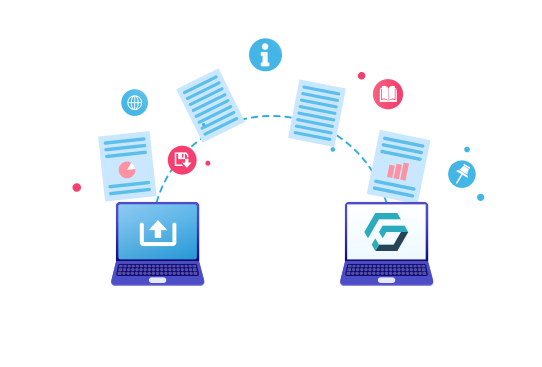
Can be used as an alternative or migration tool for Pukiwiki | Crowi | MDwiki | DokuWiki | Confluence
GROWI.cloud, an in-house wiki and knowledge base tool, is a paid version of GROWI, an OSS development wiki forked from Pukiwiki and Crowi.
As a result, the usability and design philosophy are similar to Crowi and Pukiwiki.
Also, OSS services do not offer support, and there are no set, regular feature implementations or bug fixes, so GROWI.cloud is recommended for those who are considering switching from Pukiwiki|Crowi|MDwiki|DokuWiki etc. to a paid version of the service.
which actually considered Confluence and adopted GROWI.cloudA case study interview article from Internet Multifeed Co., Ltd.Please also see
Preserving and sharing the historical background of systems and services
Preserving and sharing the historical background of systems and services
The code only describes the current specifications,
sothere is no history of why the current design and code writing method came about
Especially in agile development, requirements are determined, coding is done, and then modifications and revisions are made. It is not appropriate to record the history of the implemented code as a comment, and tools
such as Jira and RedMine are not suitable as tools for recording history or past information, as they only record current requirements.
Therefore, by using the in-house wiki/knowledge base tool GROWI.cloud to record the history of code implementation on an MVC or function basis, it becomes possible to record past history, allowing engineers to understand the background of the implementation and think deeply about the implementation schedule, implementation order, and implementation content.
In addition, the timeline display function clearly displays the content created and edited by each engineer in a list.
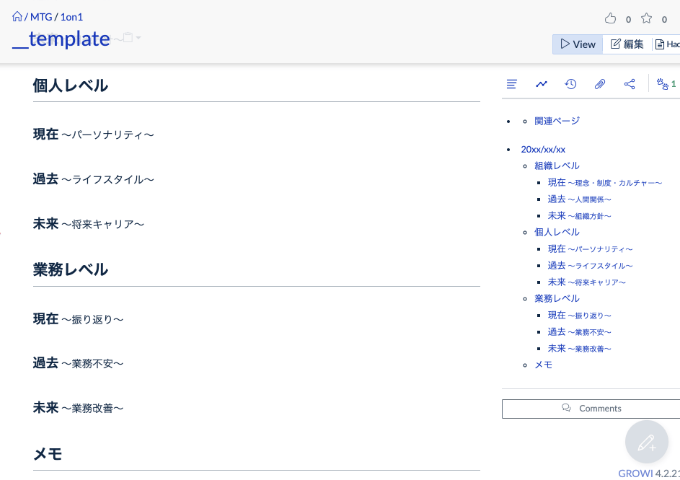
Template function
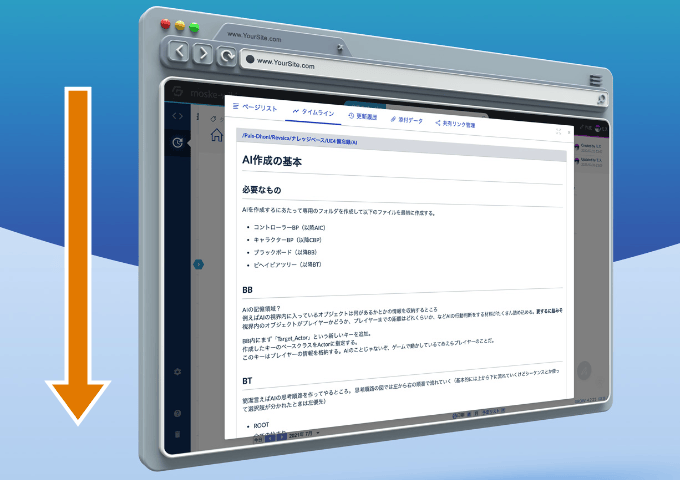
Timeline display function
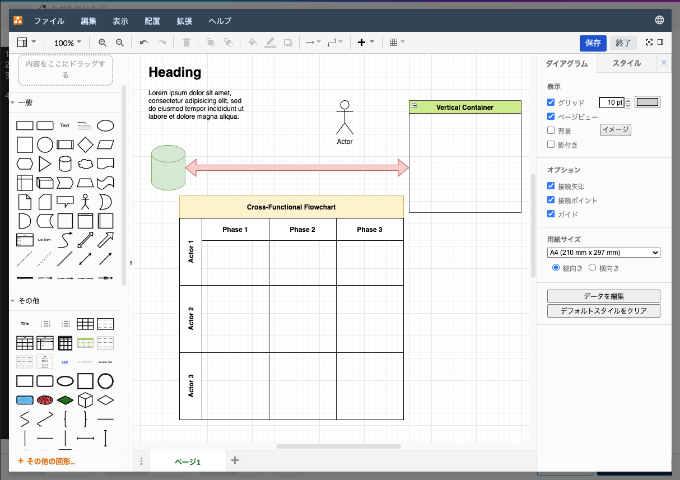
Embedding spreadsheets and charts
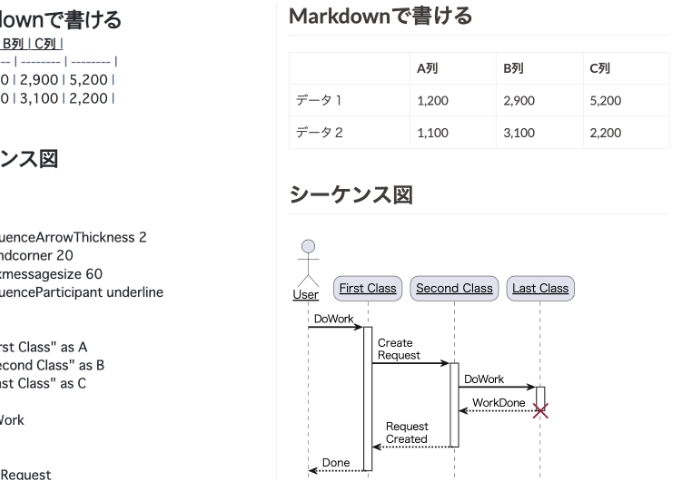
Markdown support
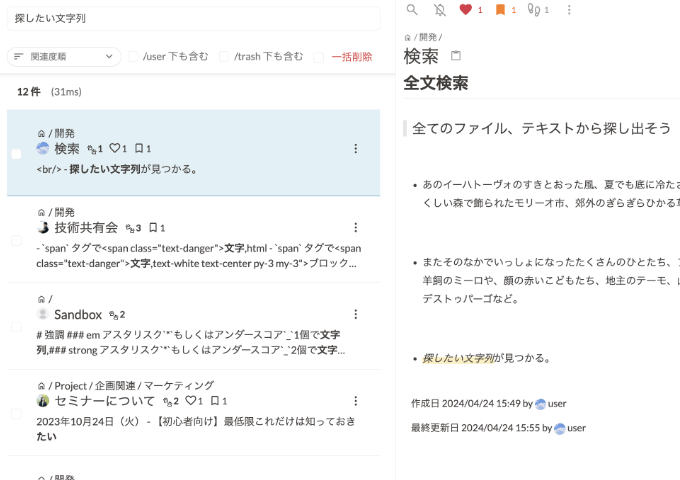
Tag search/full text search
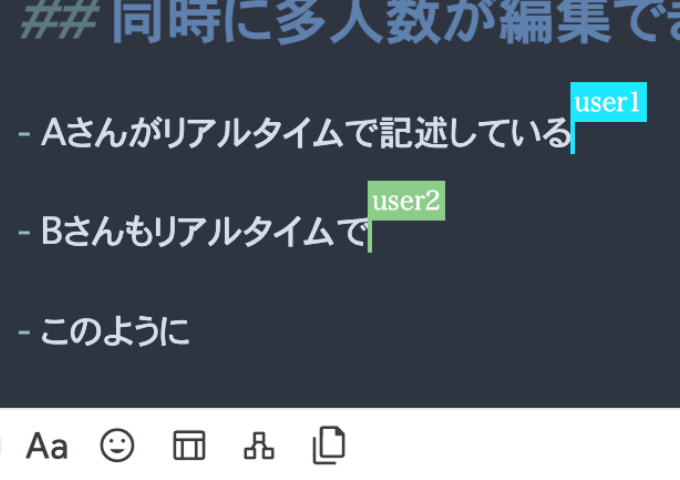
Real-time simultaneous editing function
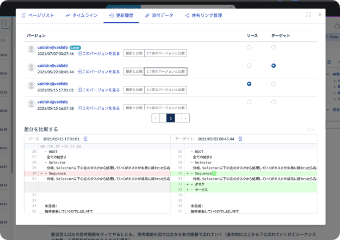
Wiki history preservation

LDAP authentication and IP address filtering
Price and supported features
¥8,000
Max user
per app
¥20,000
Max user
per app
¥50,000
Max user
per app
¥100,000
Max user
per app
¥200,000
Max user
per app
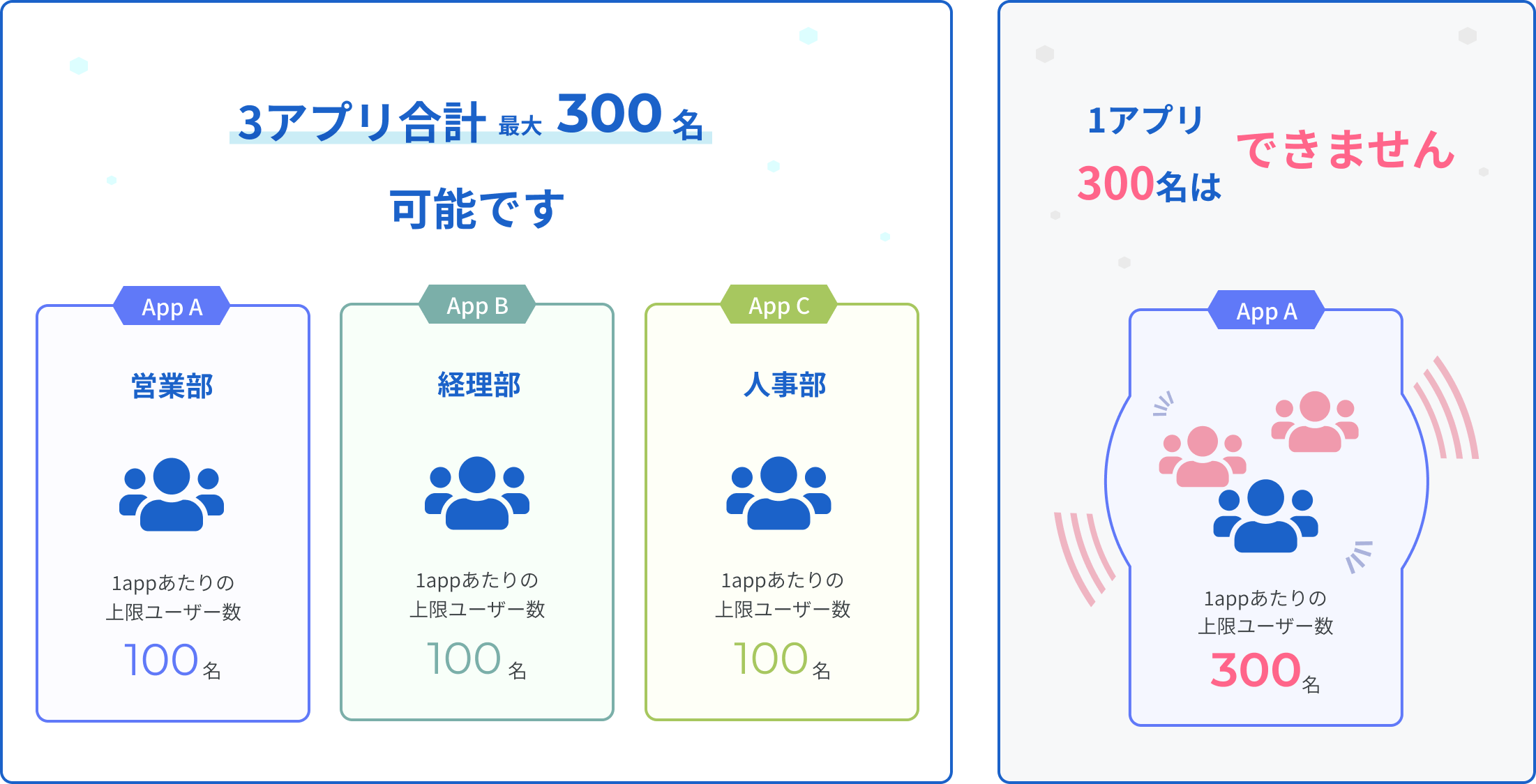
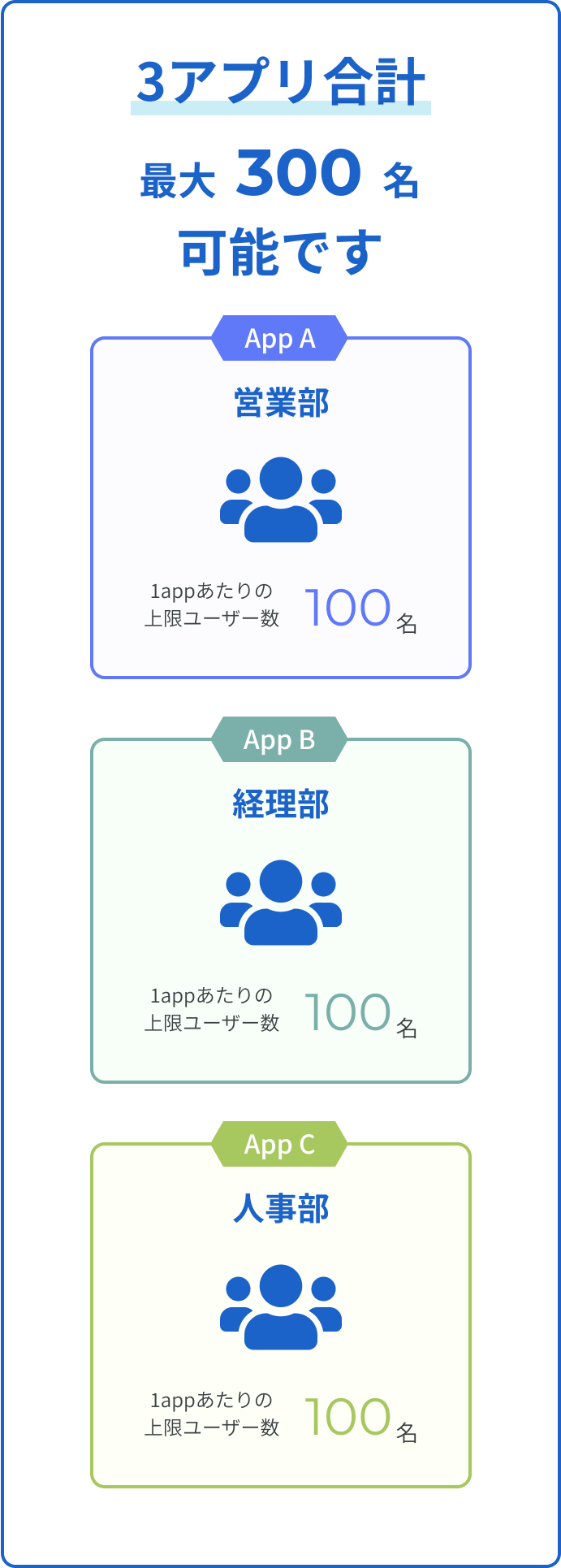
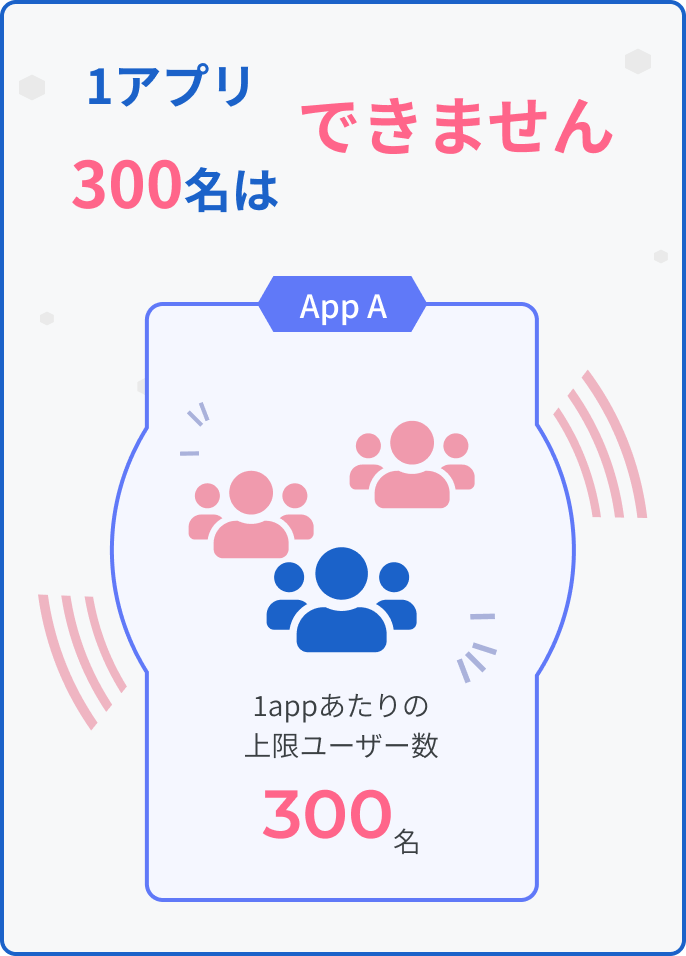
GROWI.cloud's medium plan has a limit on the number of users that can use one app.
For example, with the medium plan, 100 people can use one app, and up to 3 apps can be used as standard, sofor ¥20,000 per month, up to 300 peoplecan use it.